
For iPhone, iPad, Mac and Windows
Your personal YouTube companion
Keep up with the channels you follow, in one calm and focused place.
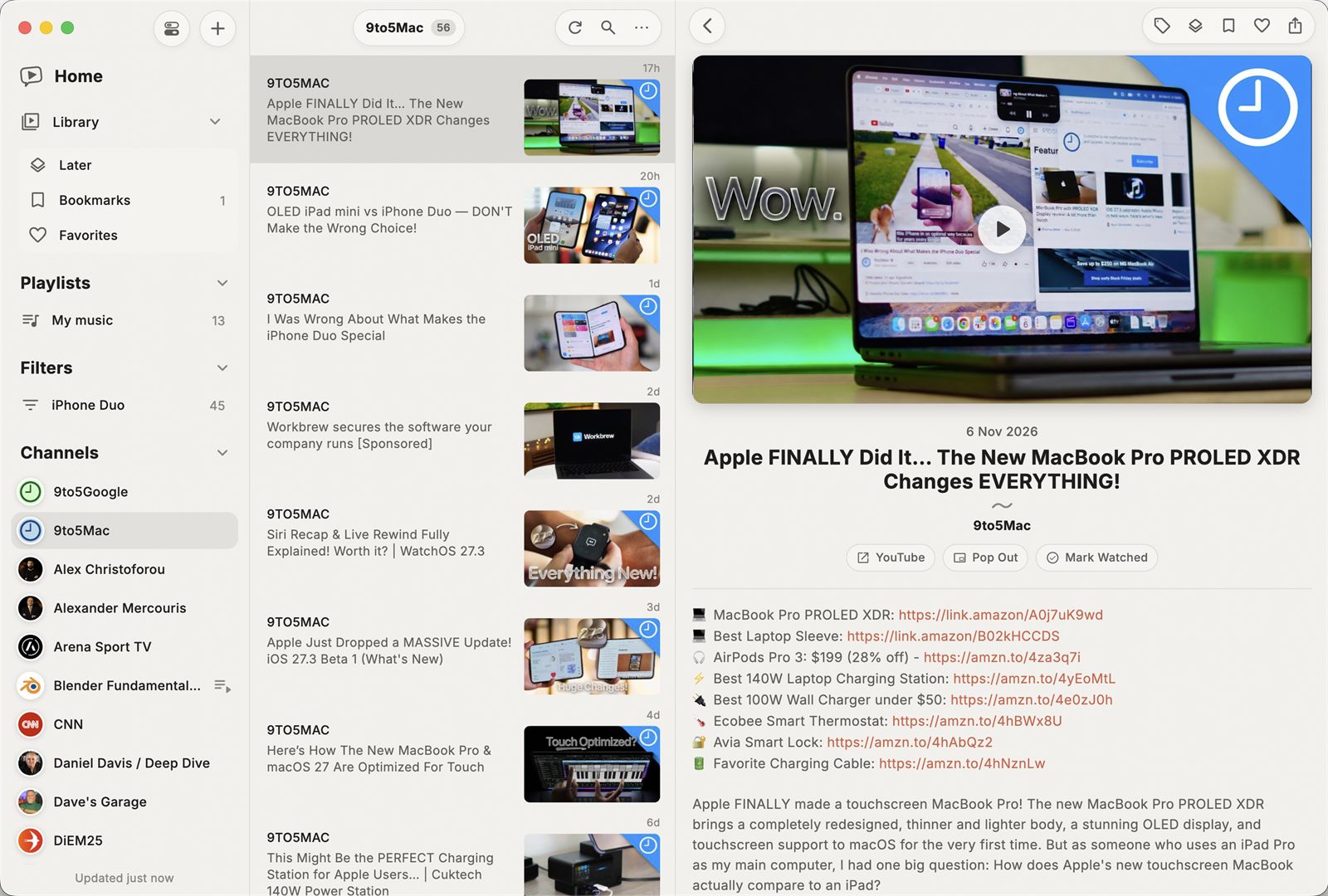
Viwella 1.4 is out now
Now available on the App Store and Microsoft Store. Rewritten from the ground up, Viwella 1.4 brings a refreshed design, keyword filters, sync through iCloud or Google Drive, a floating player on iPhone and iPad, a dedicated iPad layout, and three interface sizes to choose from.
Your channels, in order
Every new upload. Nothing else.
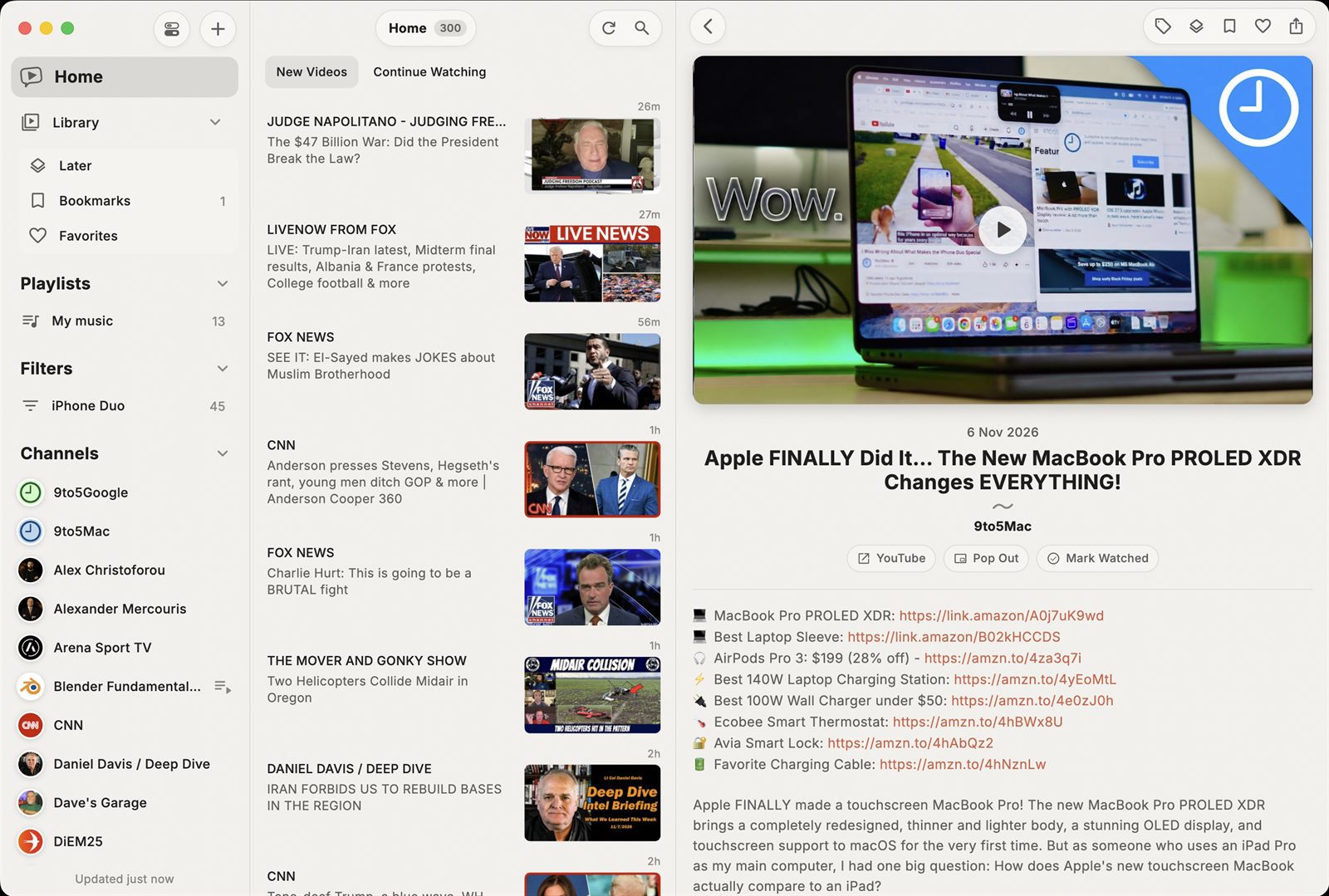
Viwella follows the channels and playlists you choose and lists their new videos in one place. No recommendations, no autoplay rabbit holes, no algorithm deciding what you see.
- New Videos shows what arrived since you last looked
- Continue Watching picks up exactly where you stopped
- Hide Shorts or watched videos per channel
Your library
Save it now. Watch it when it suits you.
Put videos in Later, Bookmarks or Favorites with one tap or a swipe, add your own tags, and collect videos into playlists you can play from start to finish.
How the library works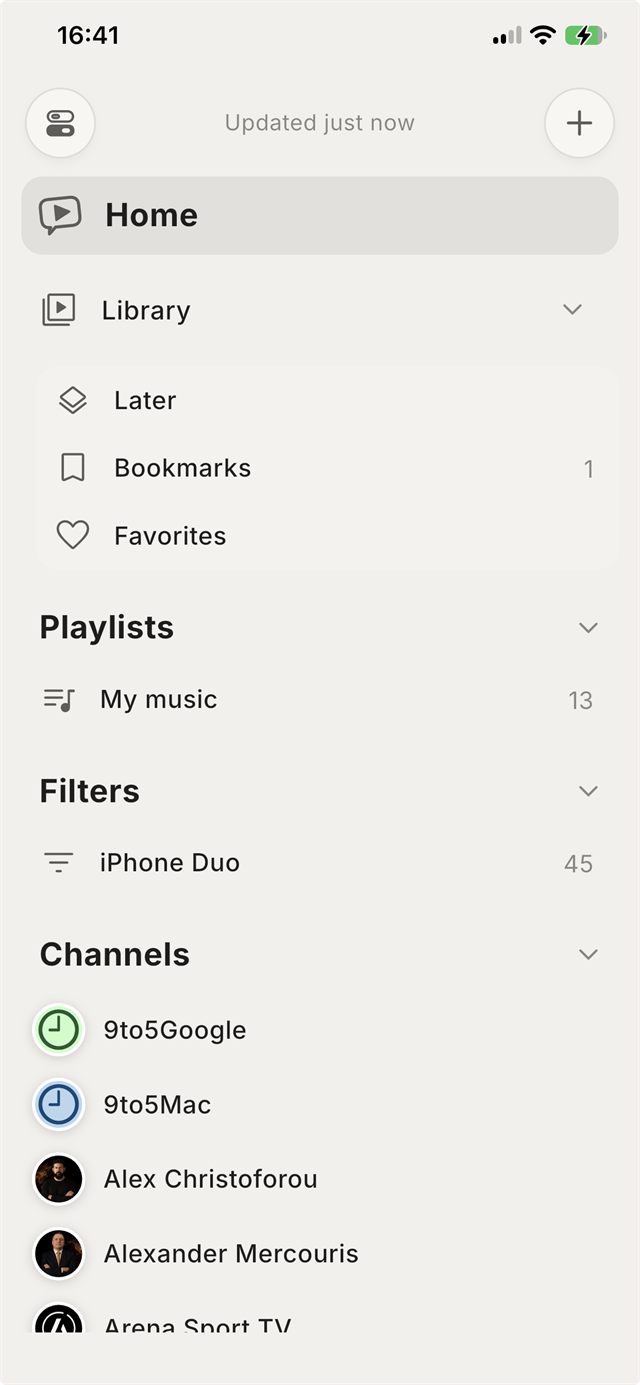
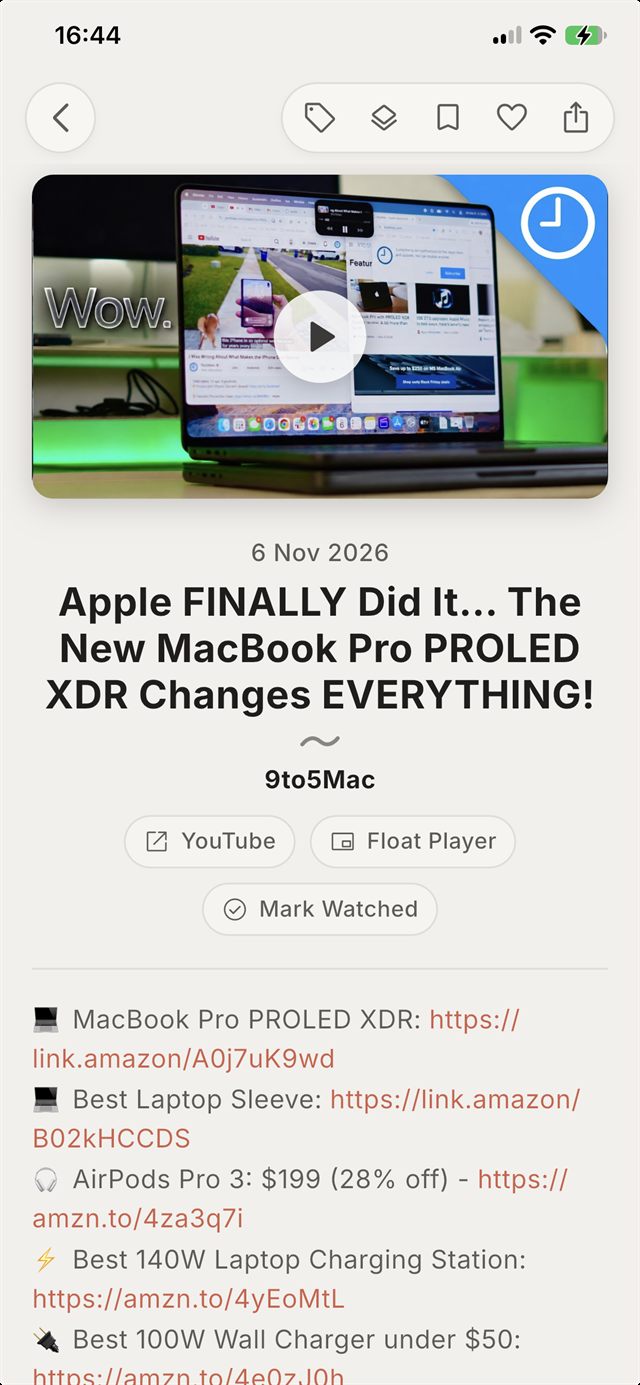
Made for the desktop too
Pop the player out and keep working.
On Mac and Windows, Viwella is a real desktop app with a three-pane layout, keyboard shortcuts and a player you can pop out into its own window.
About the player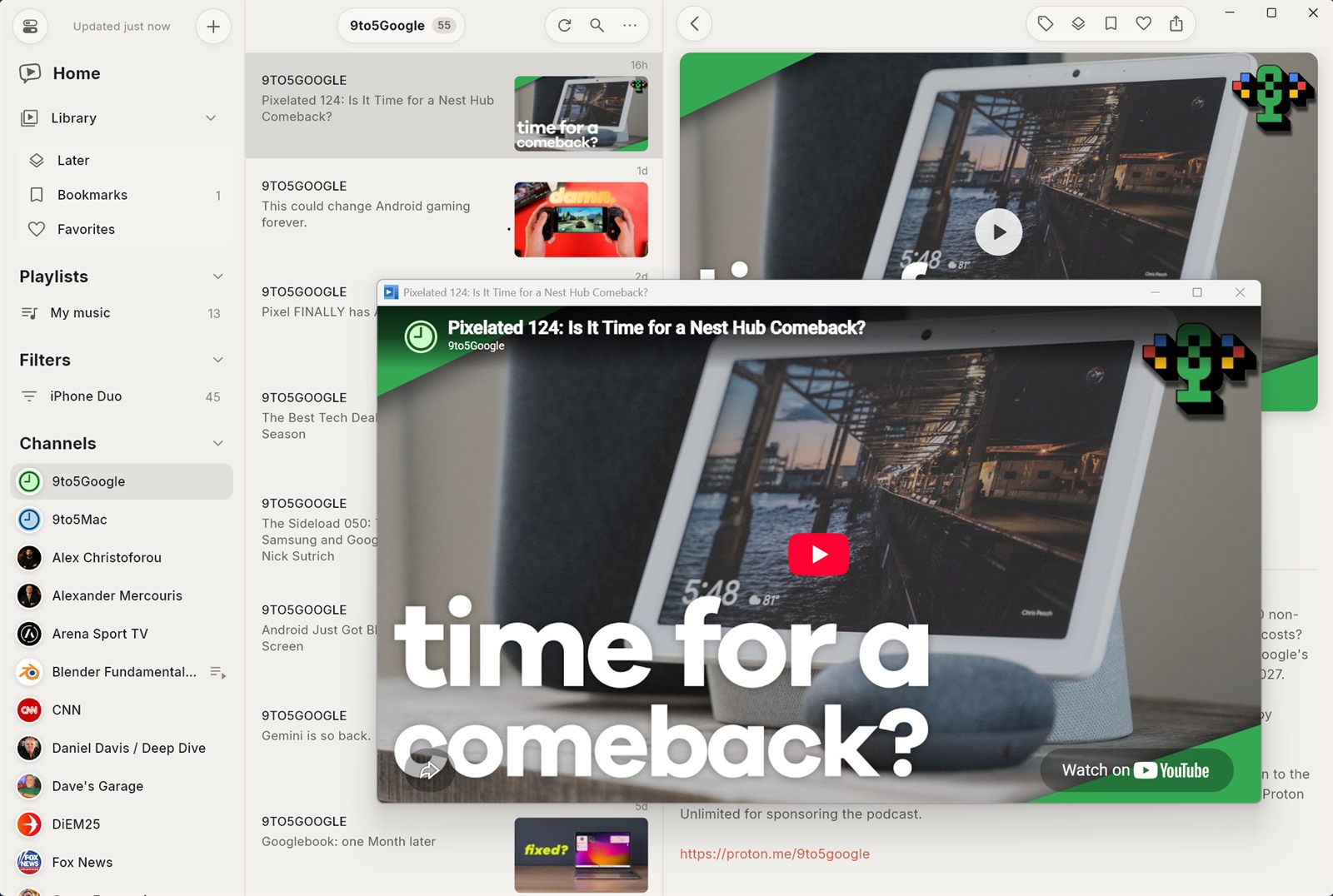
One library, all your devices
iPhone, iPad, Mac and Windows
Sync channels, saved videos and watch progress through your own iCloud or Google Drive. Your library lives in your storage, not on our servers.
- iPhone
- iPad
- Mac
- Windows
Private by design
No account. No tracking.
Nothing to sign up for
Open the app and add a channel. There's no Viwella account and no YouTube sign-in.
Your data stays yours
Your library is stored on your device. Sync is optional and goes through your own cloud storage.
Official YouTube player
Videos play in YouTube's own embedded player, so creators get their views.
Get Viwella
Free to download and use with up to 3 channels and 1 playlist. Unlock everything with Viwella Pro, a one-time purchase.